Campaigns
Campaigns provide a way of organising your donations into specific projects or goals. Campaigns can be customised to suit your requirements; from changing the text and colours to determining which fields are present or required.
Customising a campaign can be done from the campaign edit screen located at Donations > Campaigns. Once here, click on the name of the campaign (or the pencil icon next to it) you wish to customise.
Here you will be presented with the settings for your campaign divided into a number of tabs at the top.
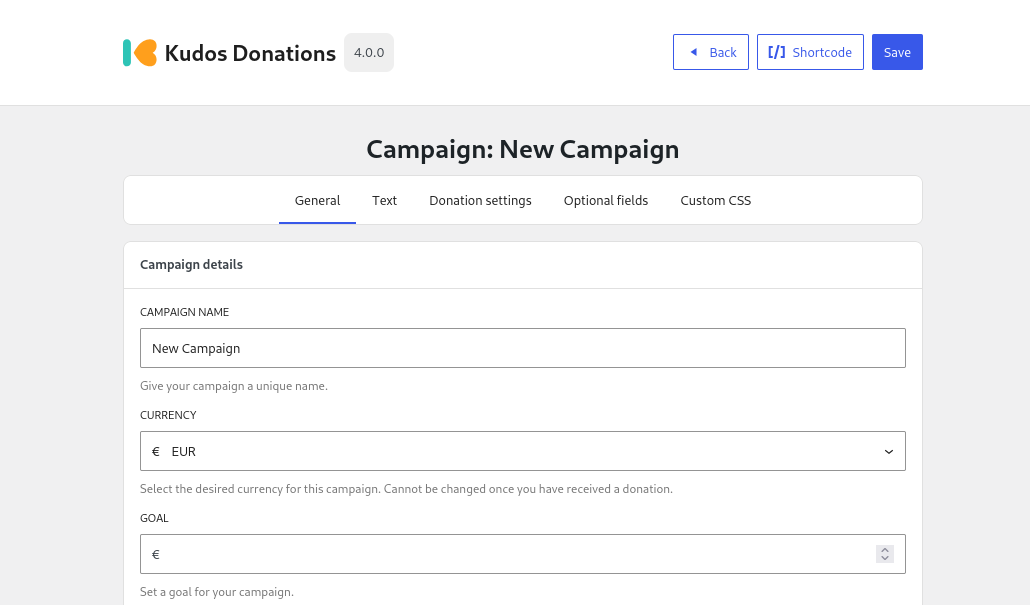
In the following pages we will discuss the settings under each tab and what they do, with each page representing a tab.